Chord progression builder
Create progressions quickly, edit chords, compare ideas, and keep the song moving.
GuitarGuide helps you find the next chord, preview ideas in context, hear real guitar audio, and save progressions before the idea disappears.


Built for guitarists, songwriters, and curious musicians.
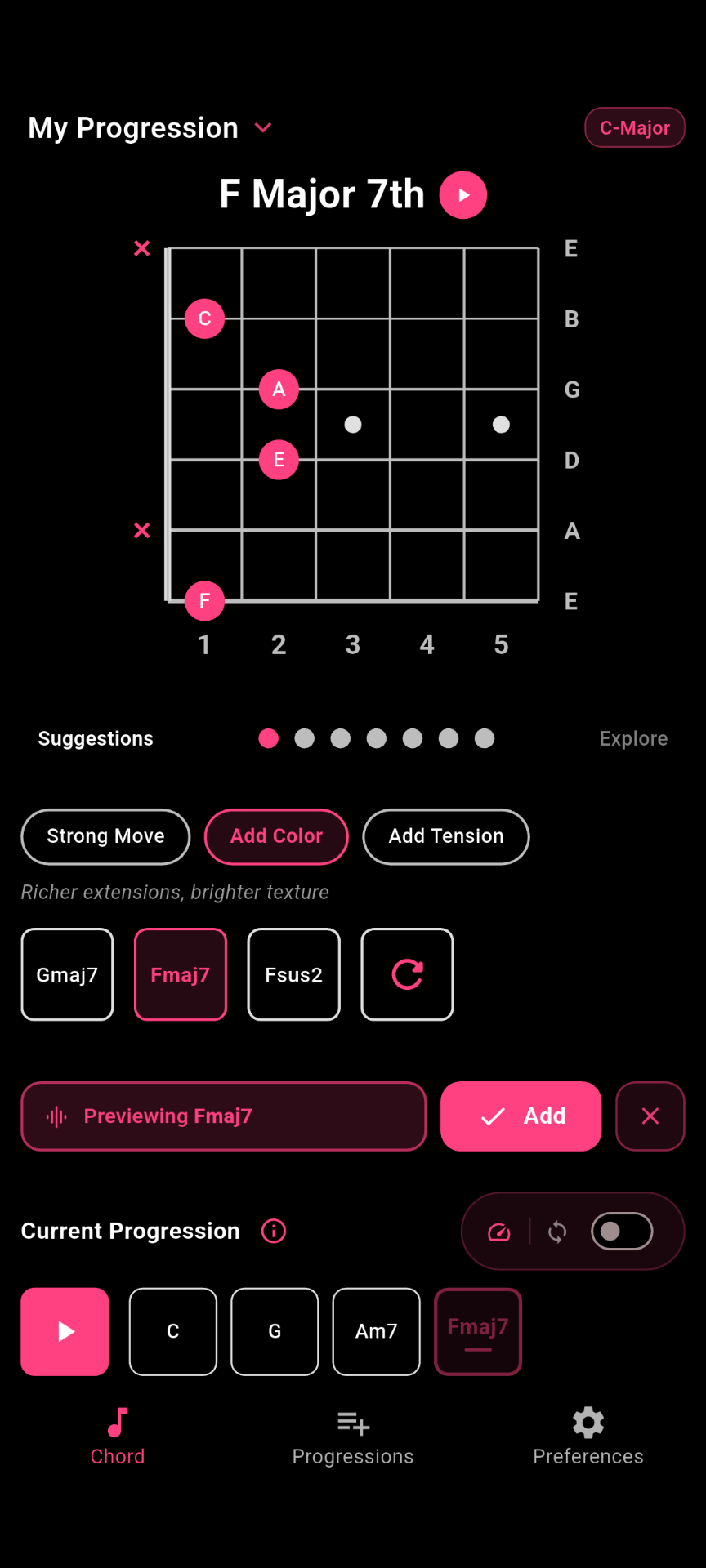
Choose a chord, hear what works next, shape the direction, and keep the progressions worth returning to.
Choose a chord shape, pick a voicing, and begin building the progression.
Try suggested chords in context before committing them to your idea.
Use color, tension, and alternate directions to move the progression somewhere more interesting.
Save progressions so you can return later and keep writing.
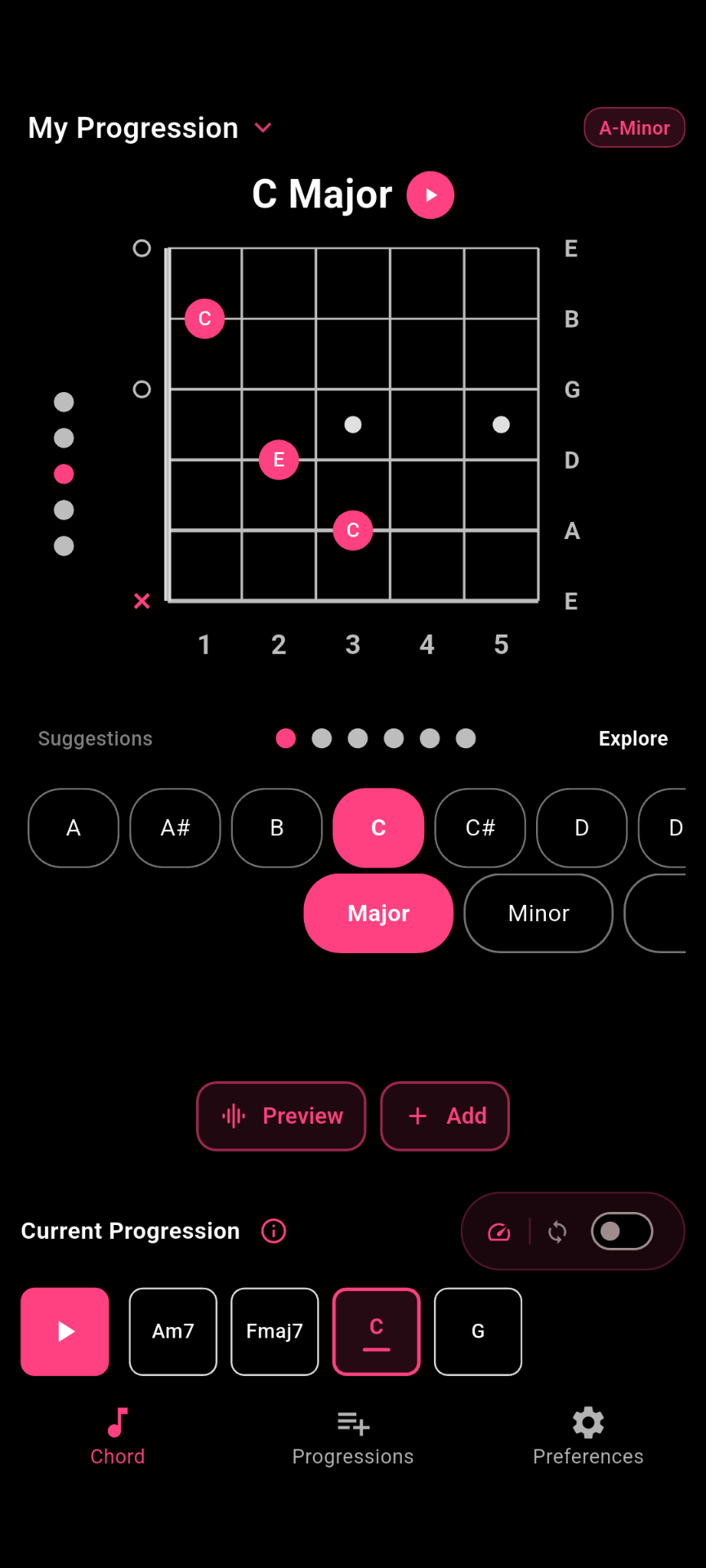
Choose a root, chord type, and voicing without digging through theory charts. GuitarGuide keeps the first step simple so you can get to the sound faster.
Chord names only tell part of the story. GuitarGuide lets you hear suggested next chords in context, so you can choose what actually feels right before adding it.
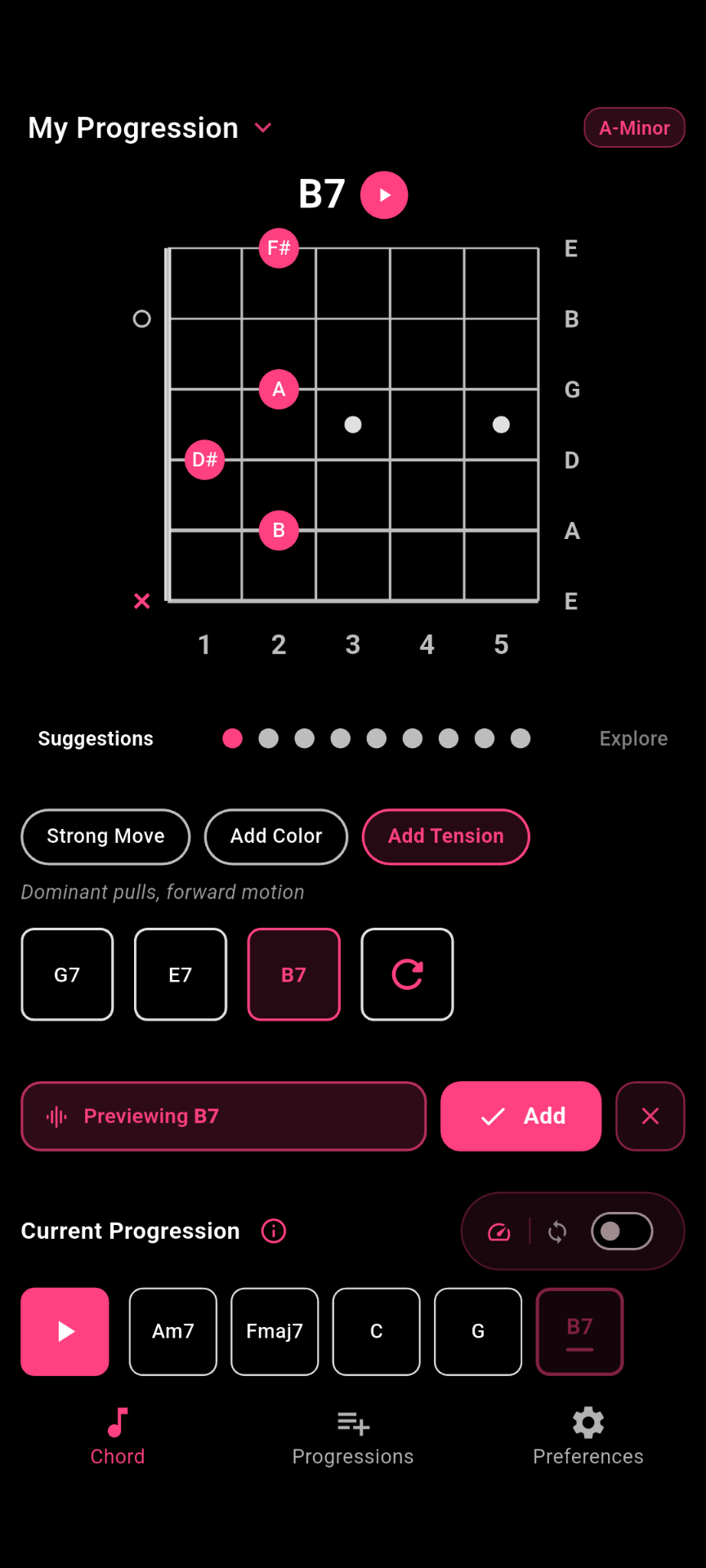
When the basic move is not enough, explore color, tension, and alternate directions without leaving the writing flow.
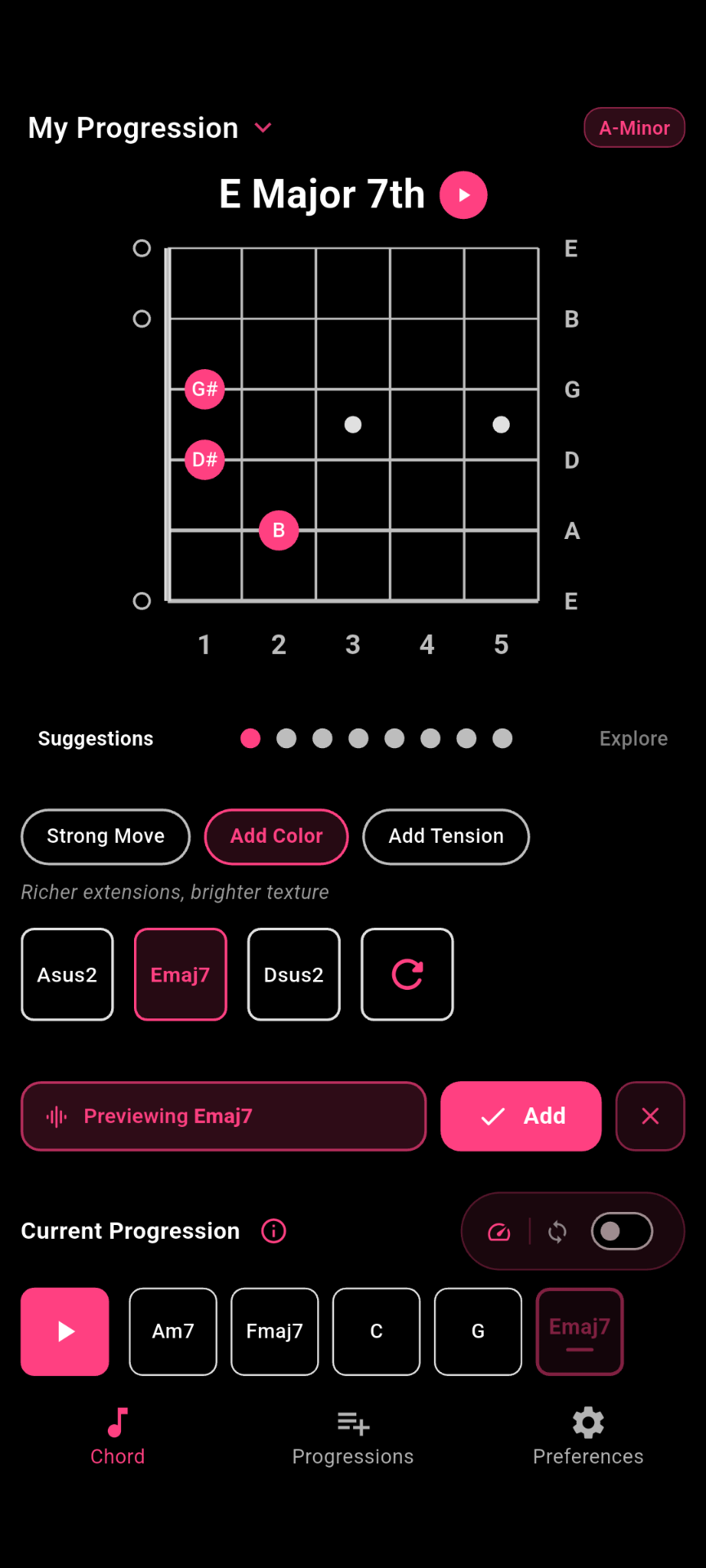
Save progressions so you can come back later, compare directions, and keep writing when the idea is ready.
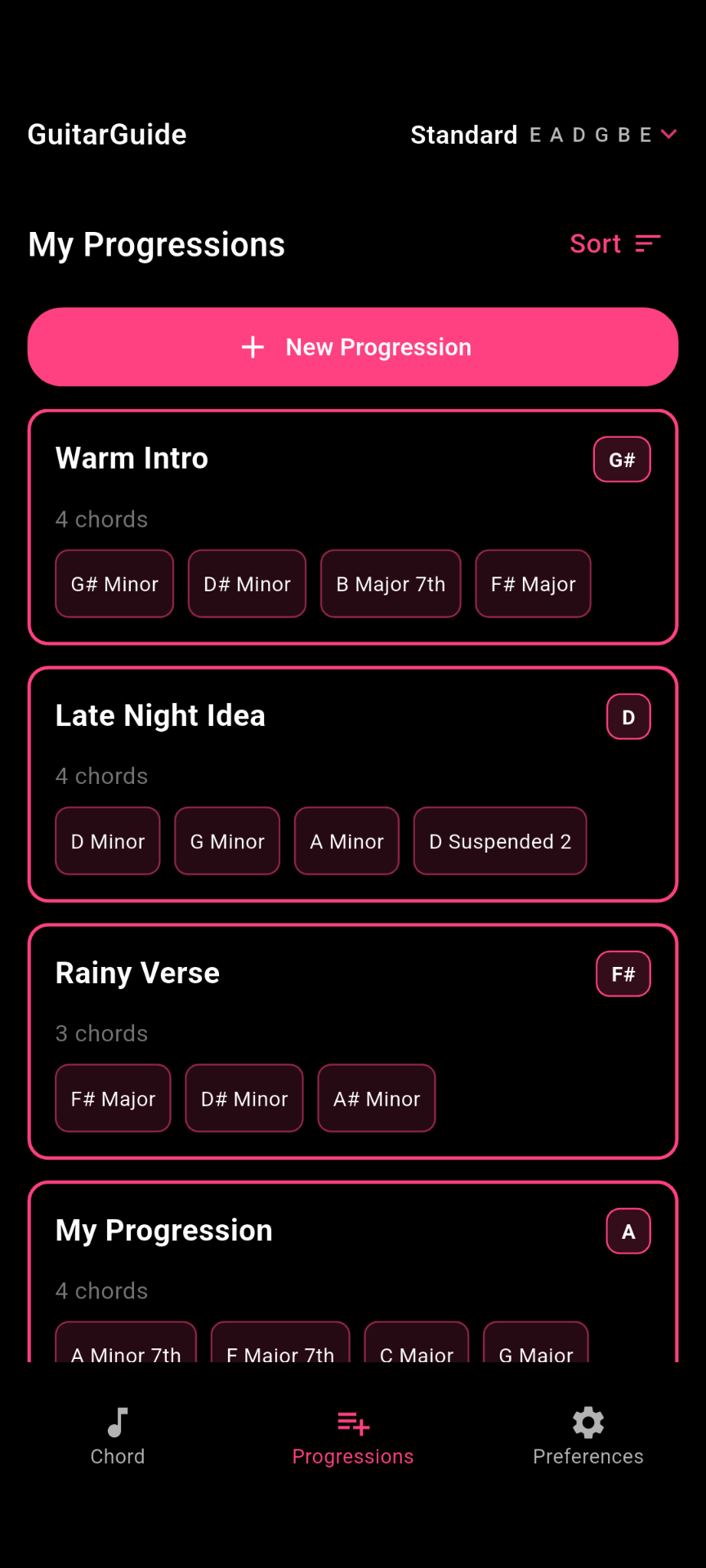
A focused set of tools for building, hearing, shaping, and saving guitar chord ideas.
Create progressions quickly, edit chords, compare ideas, and keep the song moving.
Find options that fit the key, add color, create tension, or point the progression somewhere new.
Hear chords and progressions with real guitar audio so your decisions feel musical, not theoretical.
Explore richer colors, stronger movement, and more interesting harmonic directions.
Write in the tunings you actually use, from standard to alternate and custom setups.
Keep chord ideas organized so you can come back later and keep writing.
GuitarGuide is useful for free. Premium adds deeper control for players who want custom tunings, expanded chord directions, personalization, and a smoother writing workflow.
Download GuitarGuide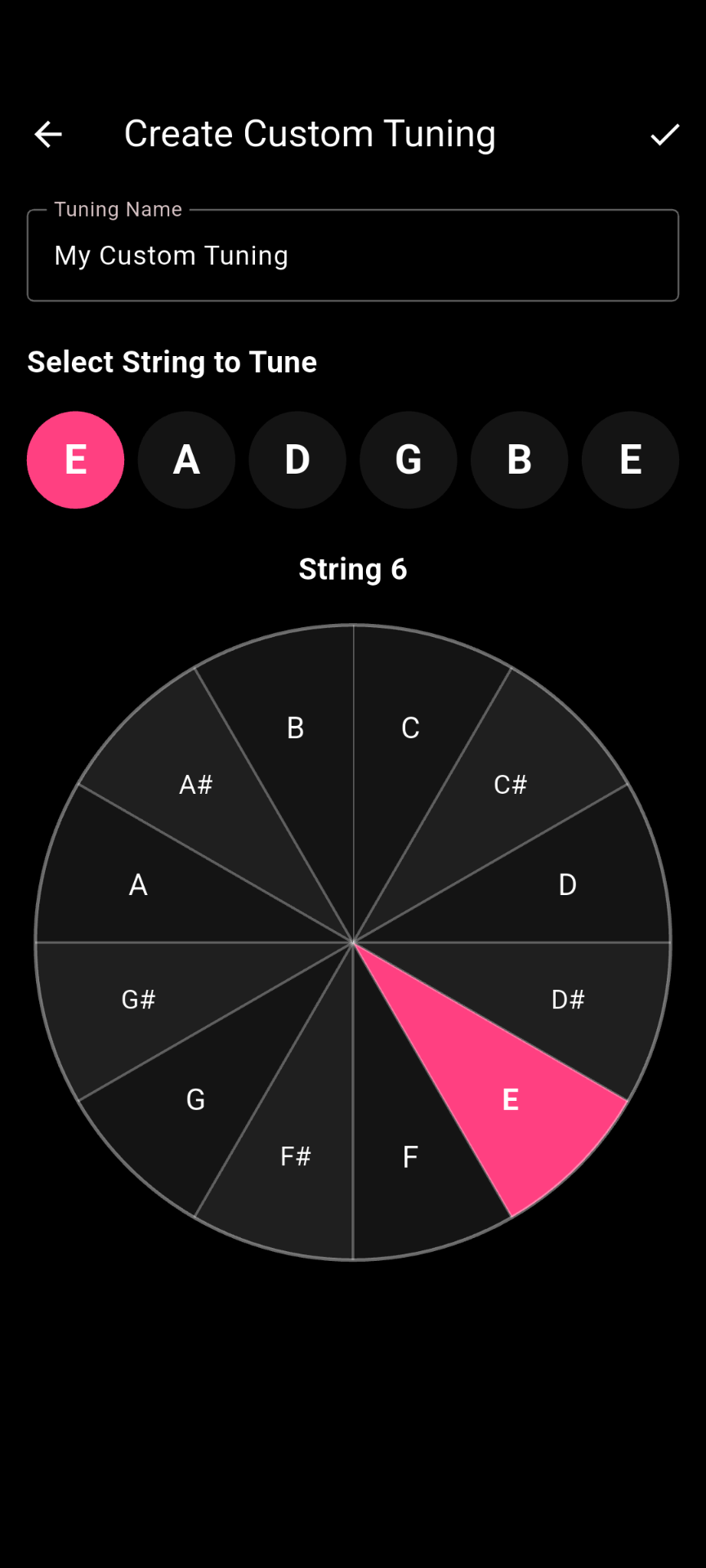
Build progressions, hear what works, and save ideas before they disappear.
Free to download. Premium features are available through in-app purchase.